Lenovo Original Wireless Earphones Bluetooth 6.0 Long Battery Life Music Gaming Headphones HiFi Stereo Sound HD Call IP54 Earbud(For more information about headphones, please refer to the end of the article)
Product information
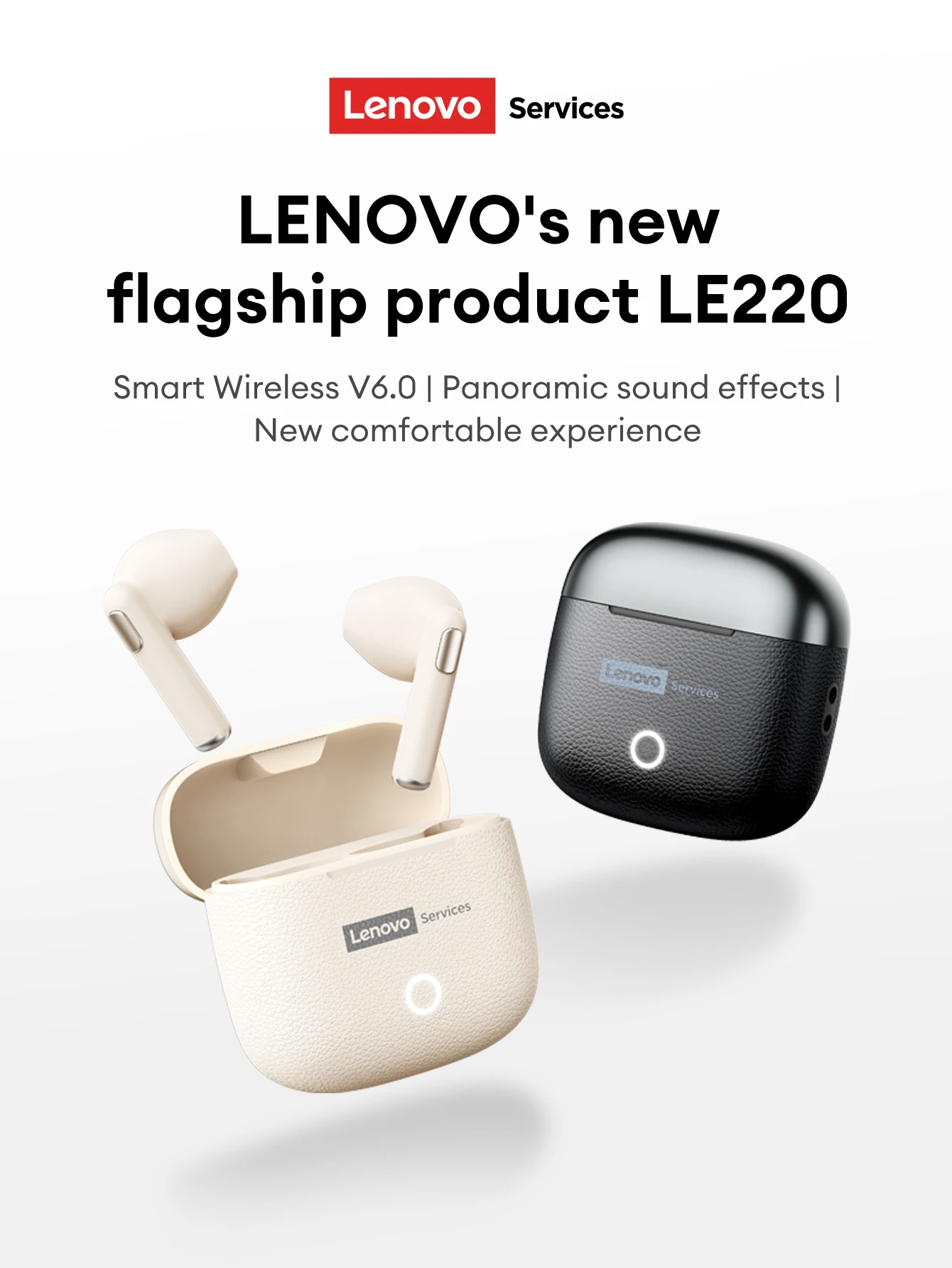
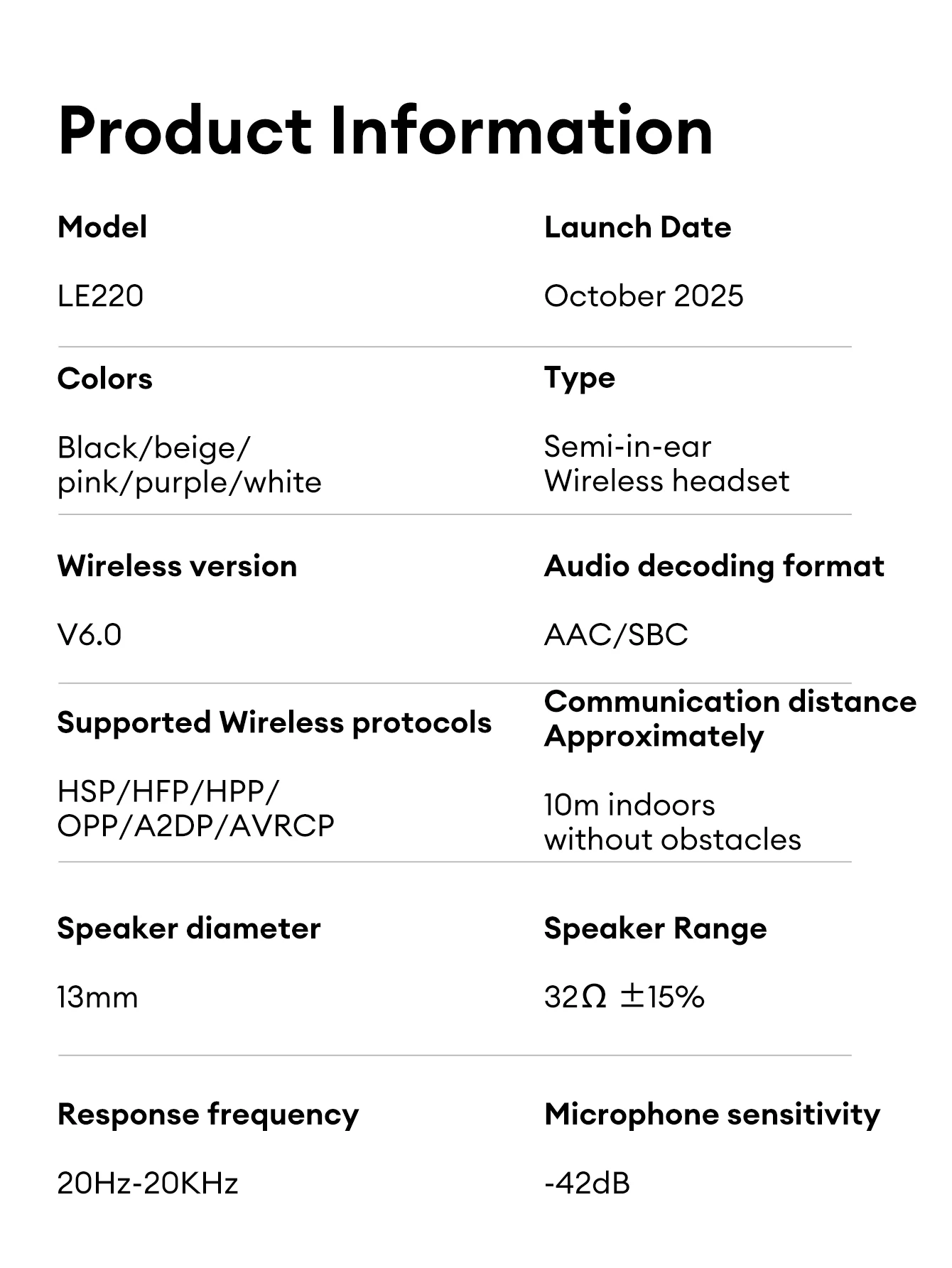
1.Model:LE220
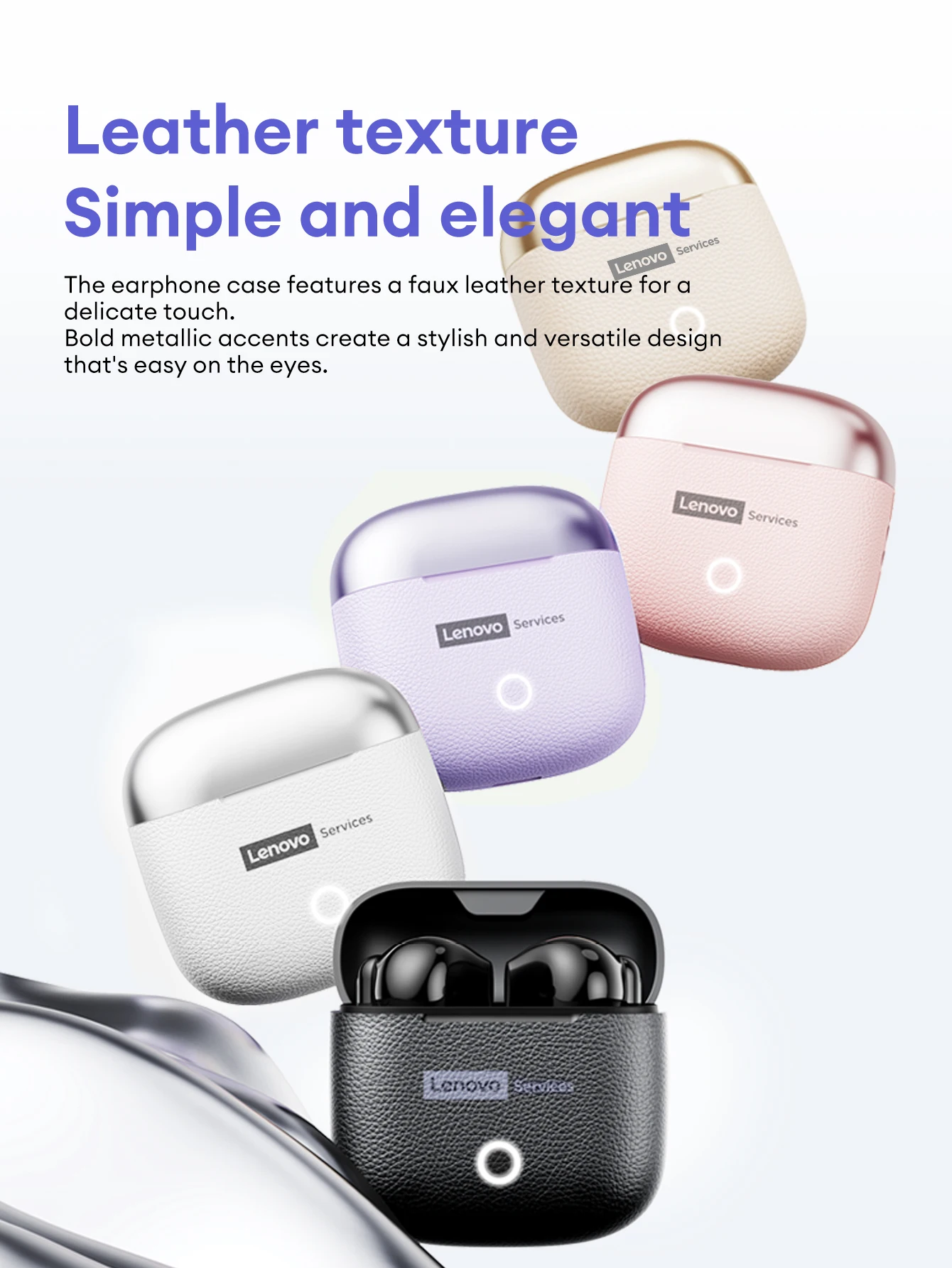
2.Colors:Black/beige/pink/purple
3.Type:Semi-in-ear
4.Wireless version:V6.0
5.Audio decoding format:AAC/SBC
6.Supported Wireless protocols:HSP/HFP/HPP/ OPP/A2DP/AVRCP
7.Communication distance Approximately:10m indoors without obstacles
8.Speaker diameter:13mm
9.Response frequency:20Hz-20KHz
10.Microphone sensitivity:-42dB
Smart Wireless V6.0 | Panoramic Sound Effects I New Comfortable Experience
Leather Texture Simple & Elegant
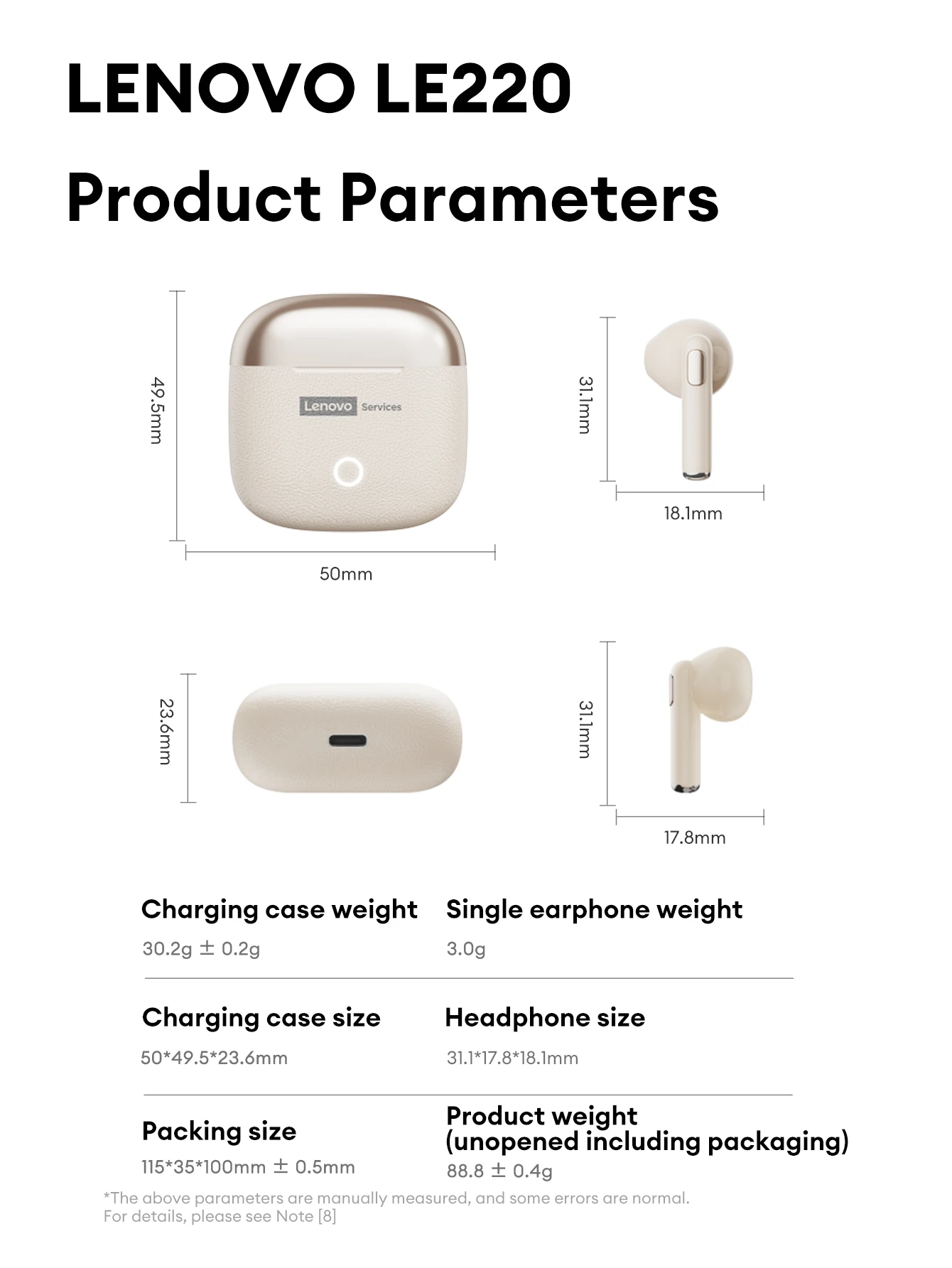
The earphone case features a faux leather texture for a delicate touch.Bold metallic accents create a stylish and versatile design that's easy on the eyes.
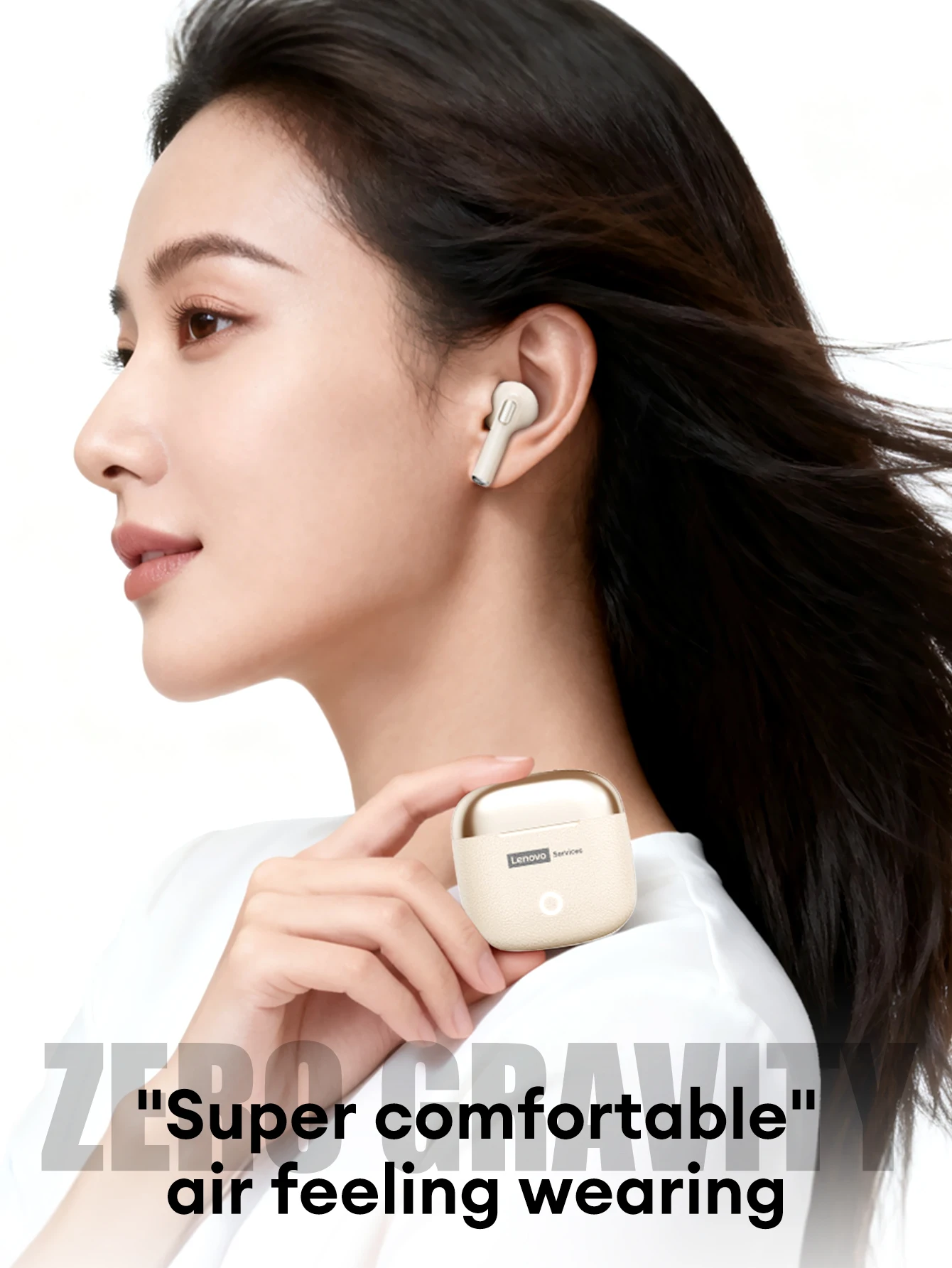
"Super comfortable" Air Feeling Wearing
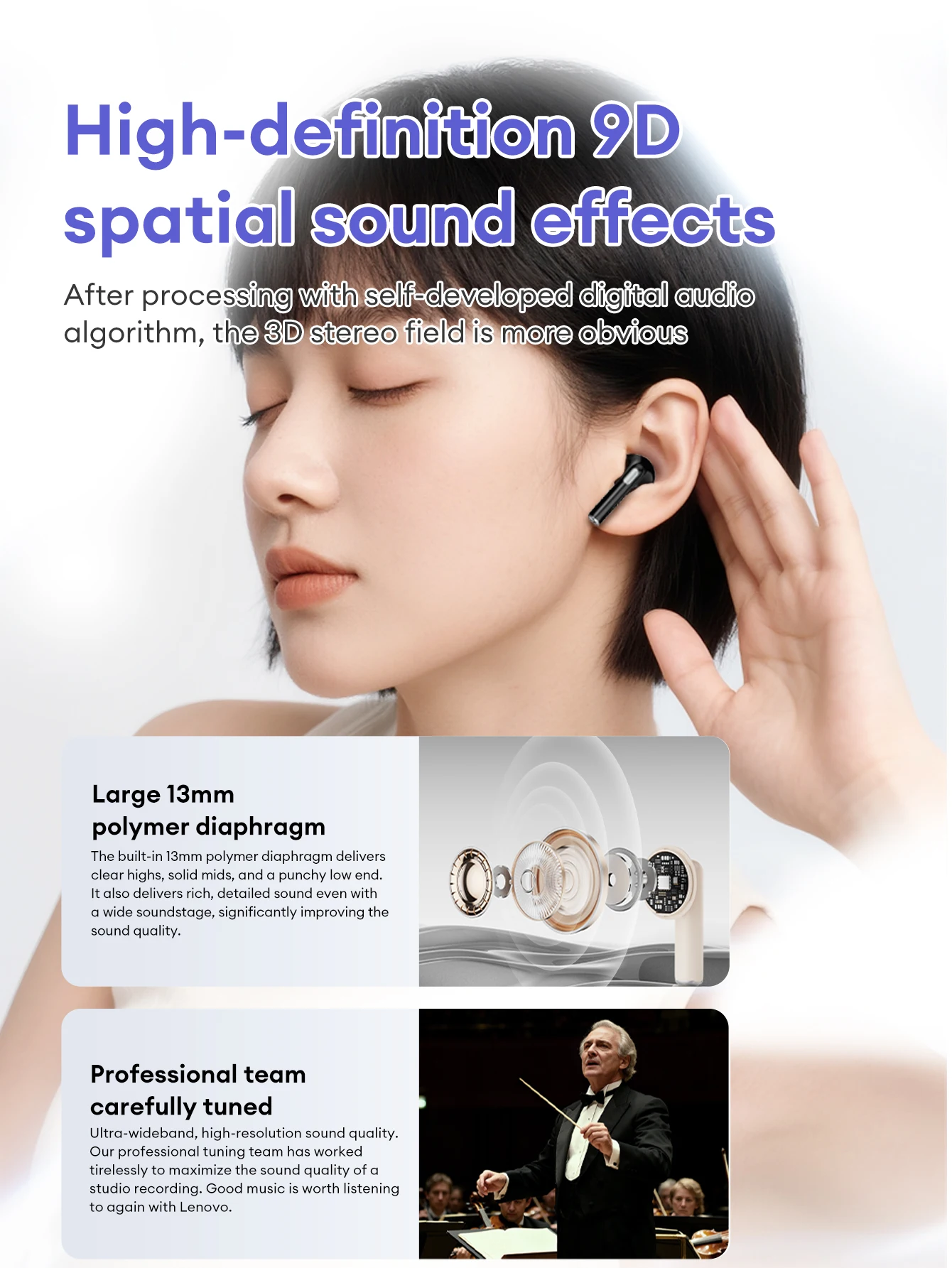
High-definition 9D Spatial Sound Effects
After processing with self-developed digital audio algorithm, the 3D stereo field is more obvious.
Large 13mm Polymer Diaphragm
The built-in 13mm polymer diaphragm delivers clear highs,solid mids,and a punchy low end. It also delivers rich, detailed sound even with a wide soundstage, significantly improving the
sound quality.
Professional Team Carefully Tuned
Ultra-wideband, high-resolution sound quality. Our professional tuning team has worked tirelessly to maximize the sound quality of a studio recording. Good music is worth listening to again with Lenovo.
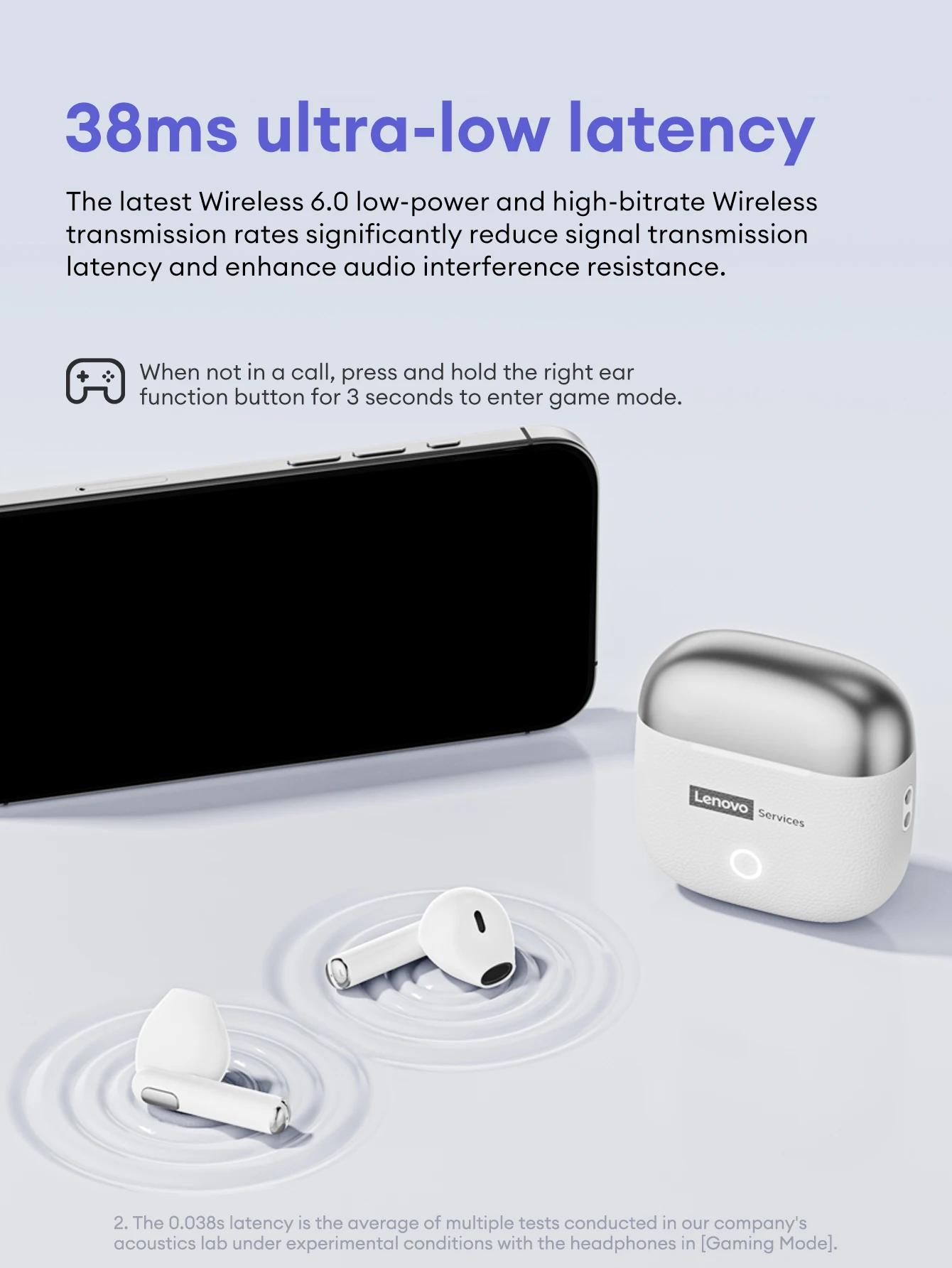
38ms Ultra-low Latency
The latest Wireless 6.0 low-power and high-bitrate Wireless transmission rates significantly reduce signal transmission latency and enhance audio interference resistance.
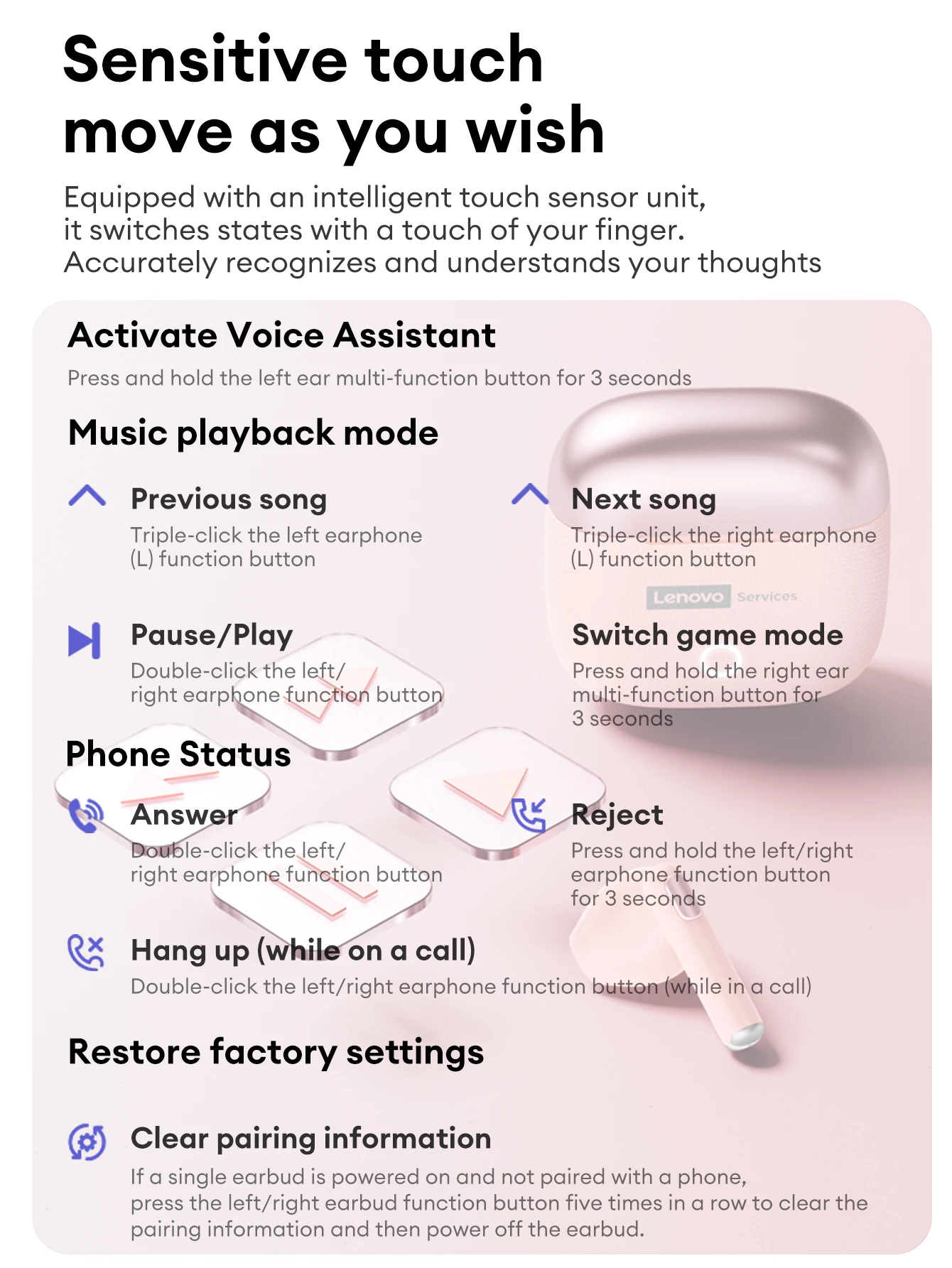
When not in a call, press and hold the right ear function button for 3 seconds to enter game mode.
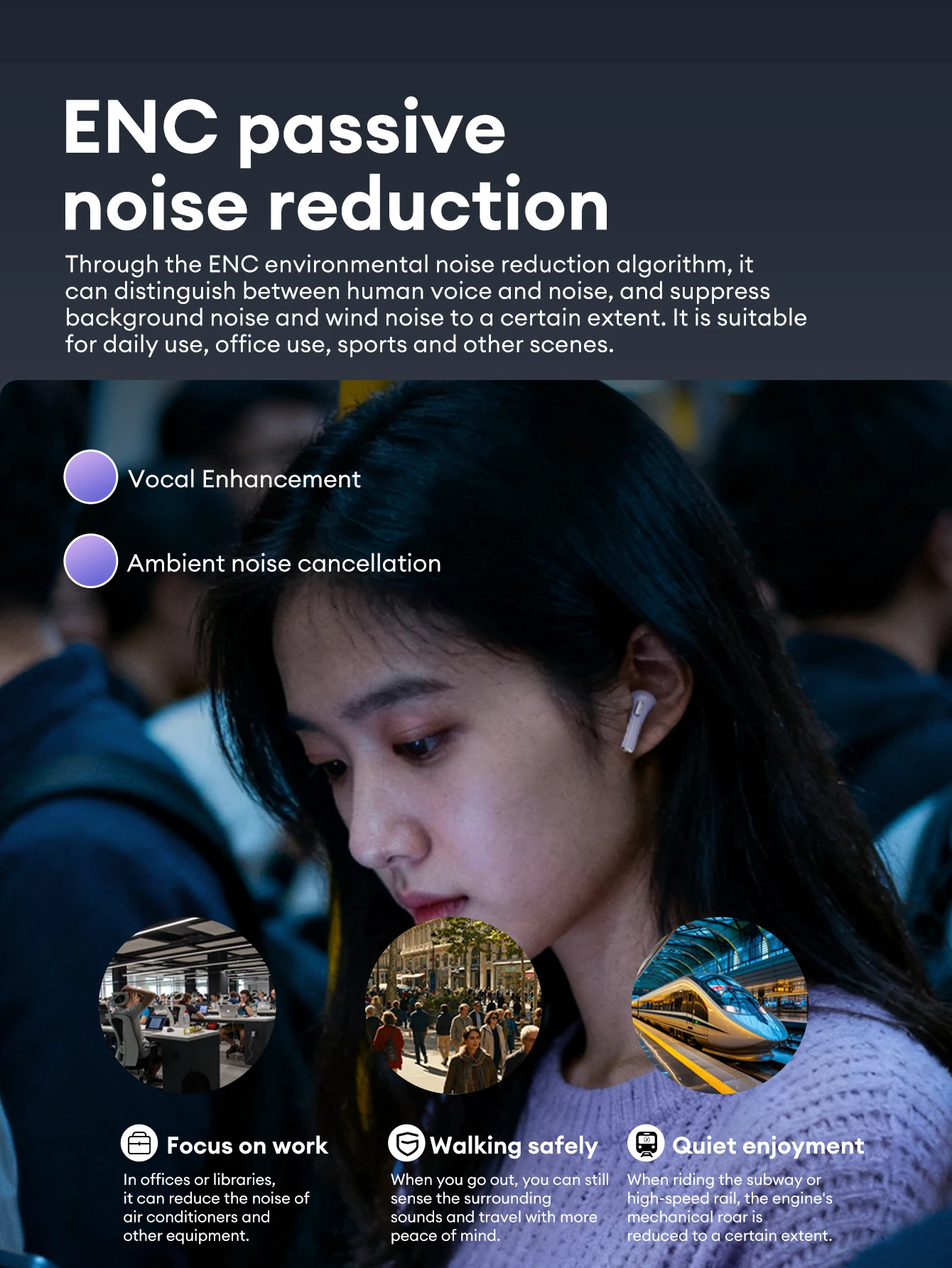
ENC Passive Noise Reduction
Through the ENC environmental noise reduction algorithm, it can distinguish between human voice and noise, and suppress background noise and wind noise to a certain extent.
It is suitable for daily use, office use, sports and other scenes.
1. Focus on work:In offices or libraries, it can reduce the noise of air conditioners and other equipment.
2. Walking safely:When you go out, you can still sense the surrounding sounds and travel with more peace of mind.
3. Quiet enjoyment:When riding the subway or high-speed rail, the engine's mechanical roar is reduced to a certain extent.
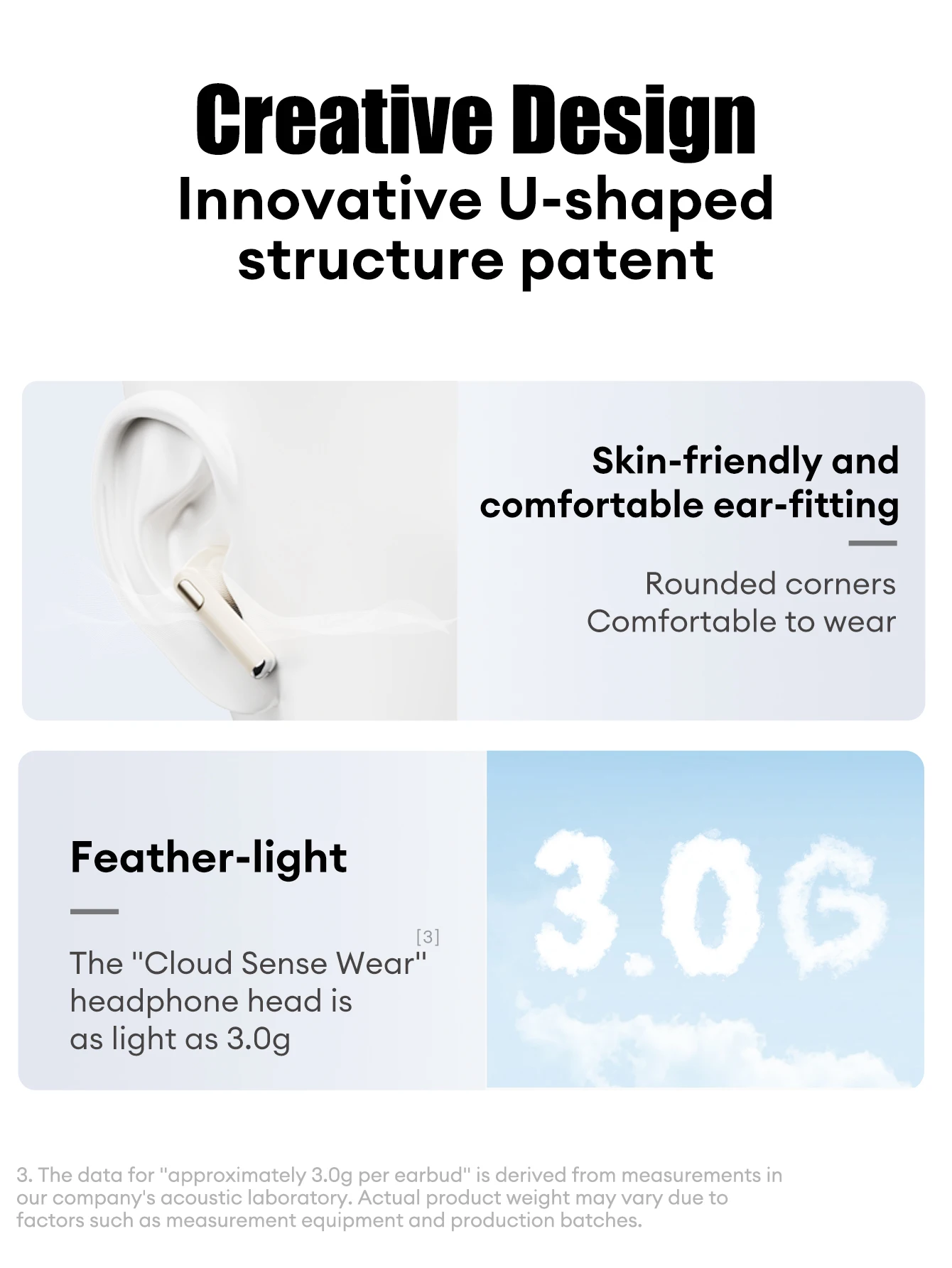
Innovative U-shaped Structure Patent
The U-shaped semi-in-ear structure is more ergonomic and can fit closely to the ear canal for a more comfortable wearing experience and excellent listening experience.
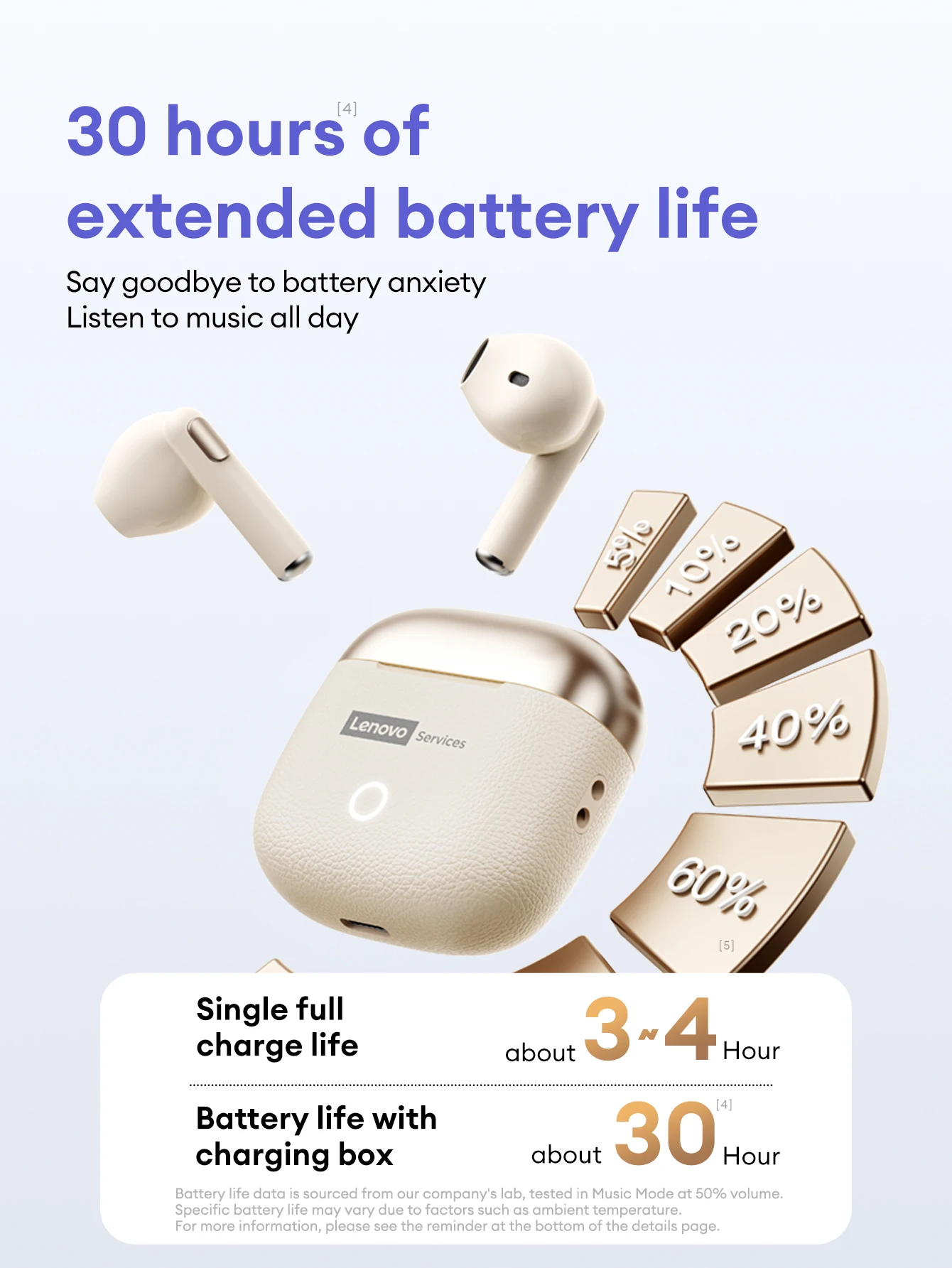
30 hours of extended battery life
Say goodbye to battery anxiety.Listen to music all day
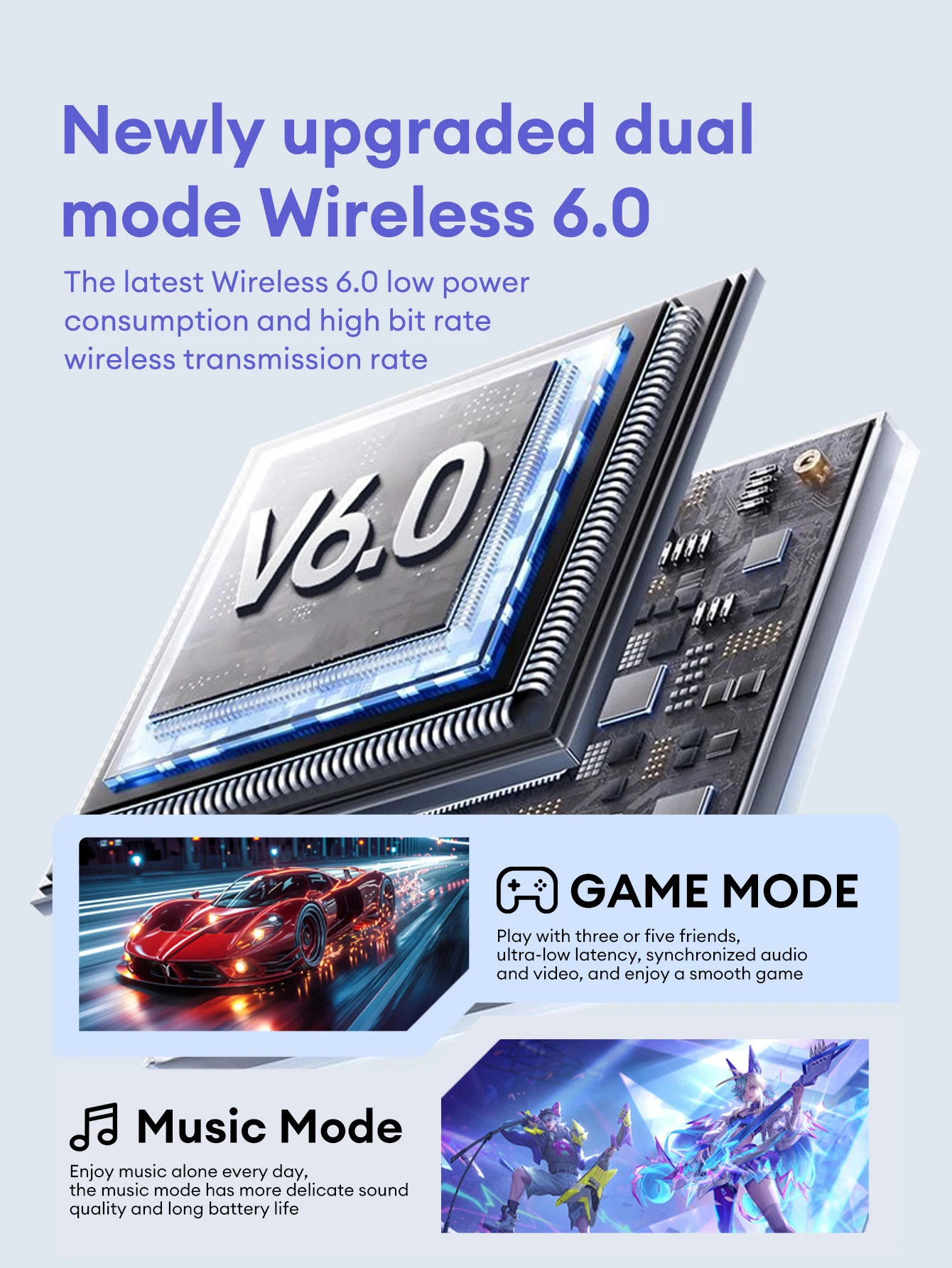
Newly Upgraded Dual Mode Wireless 6.0
The latest Wireless 6.0 low power consumption and high bit rate wireless transmission rate.
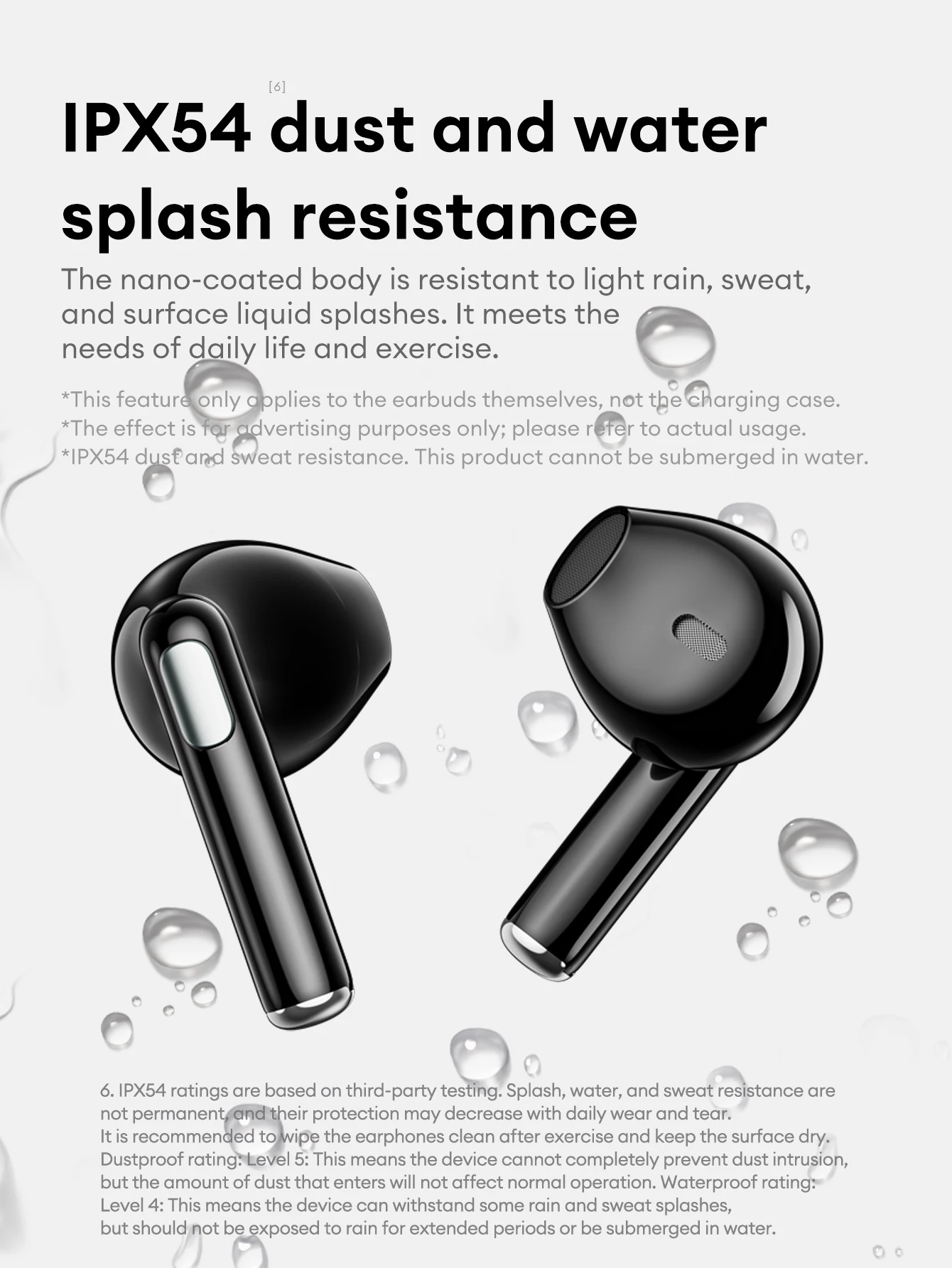
IPX54 Dust & Water Splash Resistance
The nano-coated body is resistant to light rain, sweat, and surface liquid splashes. It meets the needs of daily life and exercise.
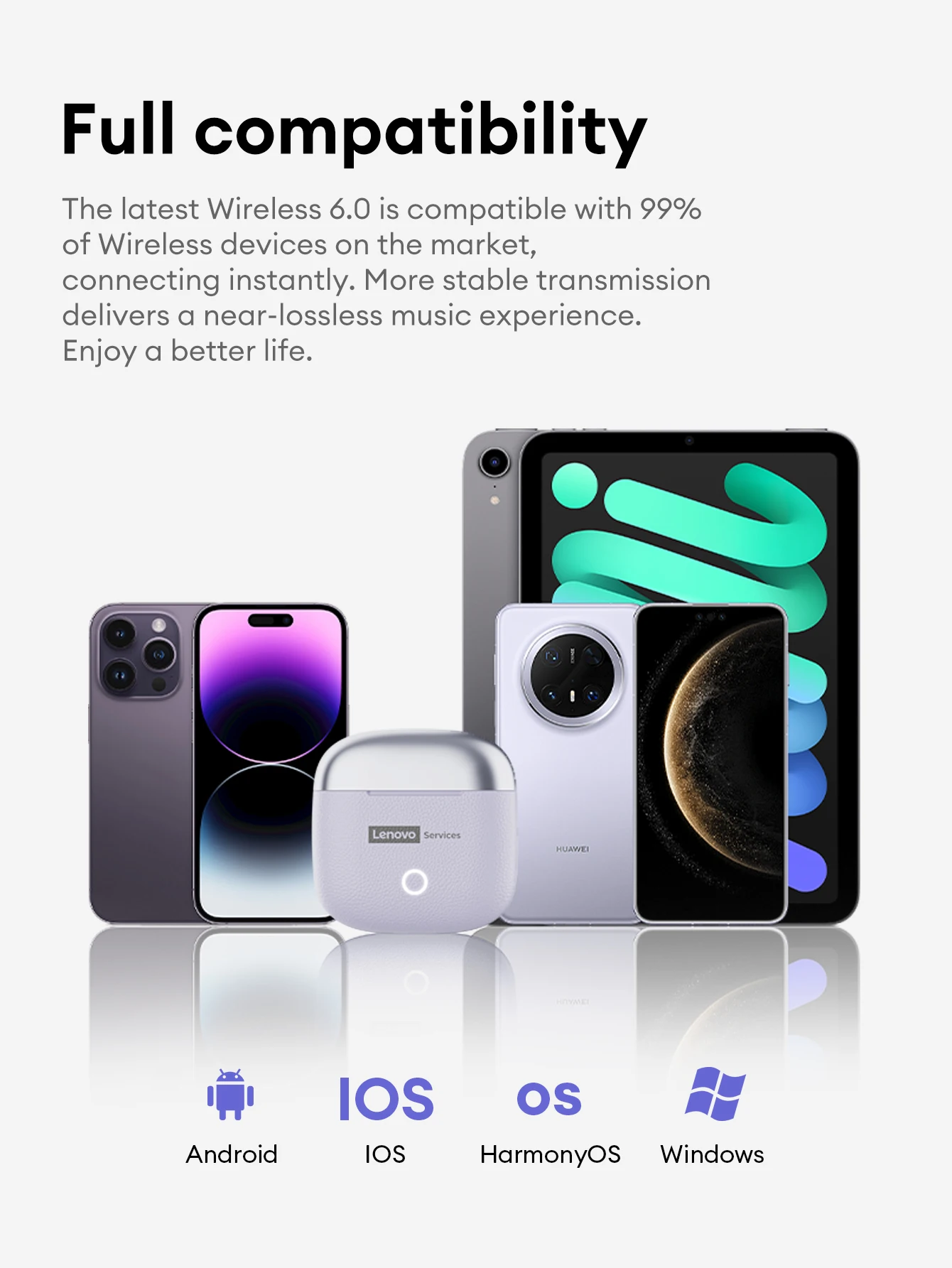
Full Compatibility
The latest Wireless 6.0 is compatible with 99% of Wireless devices on the market, connecting instantly. More stable transmission delivers a near-lossless music experience. Enjoy a better life.

Sensitive touch move as you wish
Equipped with an intelligent touch sensor unit, it switches states with a touch of your finger. Accurately recognizes and understands your thoughts.


FAQ:
1. Are they comfortable while wearing?
Yes. The headphones are sized to fit most people's ear size and provide more convenience while maintaining comfort.
2. Do they pair automatically with the phone or do I have to connect manually each time?
Yes, of course. It will automatically connect with your device after first-time use.
3. How long does it take to fully charge?
Generally, 1.5 hours is enough to get it fully charged for earphones and 1 hour for earphones compartment.
4. Does this have a built-in microphone?
Yes, a built-in microphone is made for clear talks.
5. Is this sound leak serious?
As long as the volume is not the maximum, there will be no leakage of sound. As for the health of the ear, you should also avoid using the maximum volume for a long time.
FAQ:
Q: What should I do if the headset received unable to turn on?
A: Confirm that the charging case has power left.If charging case power off, please put the earphones in charge case and charging for 1 hour and try again.
Q: What should I do if Sound comes from only one earphone?
A: Put both earphones back into the charging case and close the cover, then take them out again to check whether both ears have sound. If only one earphone still has sound, please restore the factory settings for both earphones.
Q: How to solve the problem that the mobile phone prompts that it cannot connect?
A: Delete the pairing record on the mobile phone, and then search for pairing and connect again.
Q: How to solve the problem that there is no sound when listening to music or calling?
A: There is a settings icon on the right side of the Bluetooth connection name on Android phones. Click to enter, turn off the mobile phone audio and media audio, and then turn them on again. If there is still no sound, please re-pair the earphones with the mobile phone.
Q: Why is there a delay in video or games?
A: Affected by factors such as the use environment, network and mobile phone Codec, there will be different degrees of delay when the mobile phone transmits audio data to the earphone.
Q: How to solve the problem of stuck or intermittent sound?
A: If there are a lot of Wi-Fi, 5G or 4G signals, high-power electrical appliances around, it may cause stuck and intermittent sound. Please Change the environment or re-pairing can solve the problem.
Other Tips:
1. Before using the earbuds, please read the manual carefully and keep it for future references.
2. The earbuds need to be fully charged prior to first-time use.
3. lf the earbuds are left unused for over two weeks, please recharge.
4. Please use the chargers made by qualified manufacturer.
5. lf earbuds fail to be found by phone, please re-turn them connectable or restore factory settings.
6. lf a program error of phone occurs, please turn off and on Bluetooth function or reboot the phone.